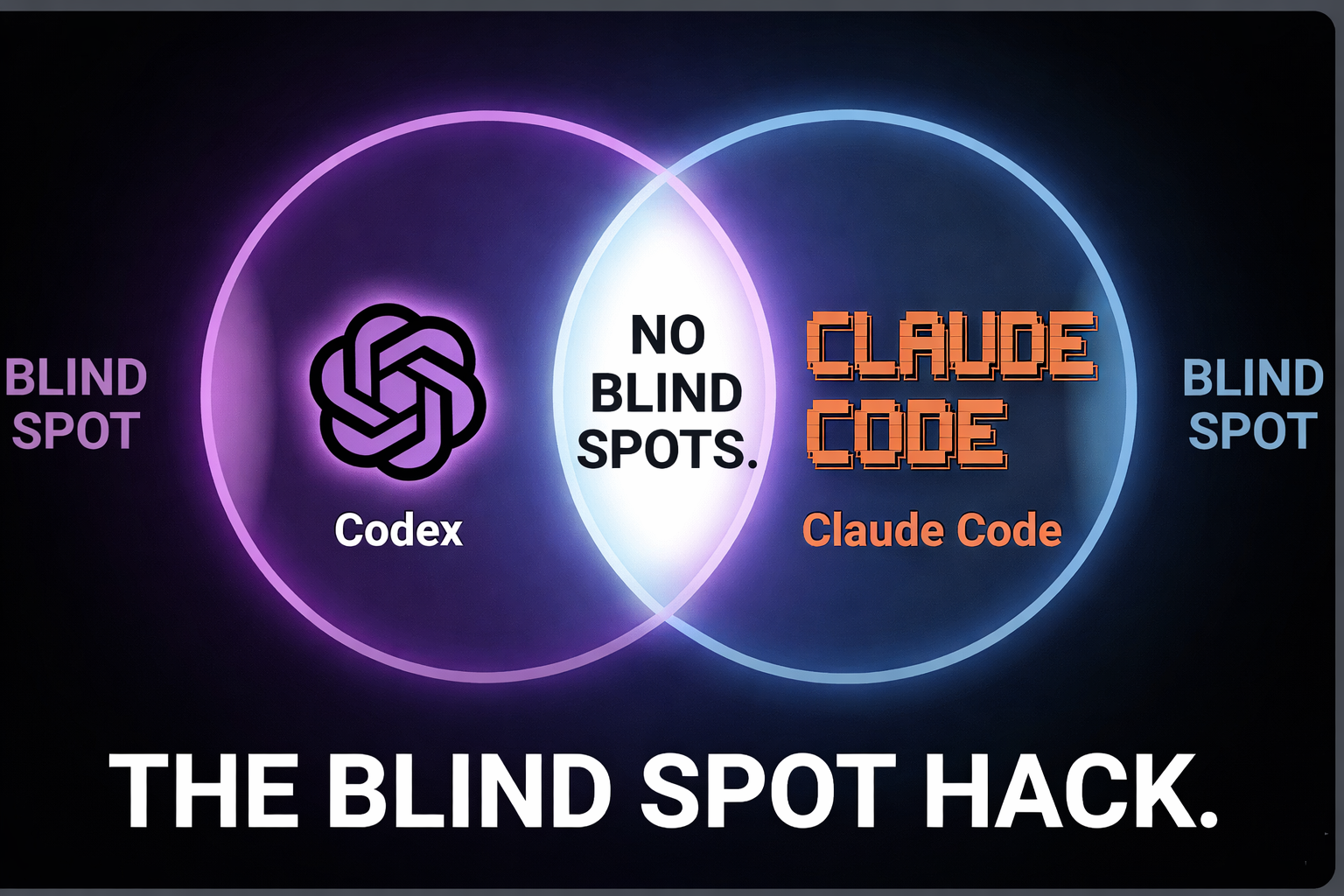
When Claude Code and Codex CLI disagree about your code, that’s not noise. That’s where your bugs are hiding.
I stopped asking “which one is better” about six months ago. Now I use both, deliberately, every day. Two models with different training data have different blind spots. Running them against each other catches things that running either one alone does not.
Here’s the practical version of that idea: three workflows I actually use, what they cost, and where the approach falls short.
Claude Code vs Codex CLI: Quick Comparison
Before the workflows, here’s the baseline for anyone evaluating these tools:
| Claude Code | Codex CLI | |
|---|---|---|
| Company | Anthropic | OpenAI |
| Underlying model | Claude Sonnet 4 | GPT-5.3-Codex |
| Pricing | $20/mo (Pro), $100/mo (Max 5x), $200/mo (Max 20x) | Included with ChatGPT Plus ($20/mo) or Pro ($200/mo) |
| Auto-approve mode | --dangerously-skip-permissions | --full-auto (sandboxed) or --yolo (unsandboxed) |
| Terminal-native | Yes | Yes |
| Reads codebase, edits files, runs commands | Yes | Yes |
On the surface, they’re almost identical. Both are terminal-based AI coding agents that read your codebase, edit files, and run shell commands. The meaningful difference is underneath: different training data, different RLHF pipelines, different failure modes. That’s what makes combining them valuable.
1. Adversarial Security Audits With Claude Code and Codex CLI
I never trust a single AI with security.
My workflow: build the feature with Claude Code, then ask Claude to audit the codebase for vulnerabilities. Once I have Claude’s findings, I open Codex CLI in a separate terminal and tell it to review the same codebase, cross-reference Claude’s report, and flag anything missed.
I wrote about one of these audits in detail in Claude Code/Codex are great. Blind trust is not.. The short version: Codex found a prefix mismatch bug (anon_ vs anonymous-) across two files that completely disabled free-tier rate limiting. Claude Code wrote both files and never caught the discrepancy. Codex spotted it immediately.
Now, some honesty about the limits. In that same audit, Codex flagged seven findings and called three of them “Critical.” Only one was a real launch blocker. The other six ranged from fair-point-but-low-priority to outright noise. AI security audits have a precision problem. They pattern-match against checklists without understanding your product context.
This does not replace real security tooling. Static analysis tools like Semgrep or Bandit are free, deterministic, and don’t hallucinate. What LLM cross-checking adds is a different kind of coverage: catching logic bugs and cross-file inconsistencies that rule-based tools miss. Use both layers.
A note on YOLO mode: Codex CLI’s --yolo flag doesn’t just skip confirmations. It removes the OS-level sandbox entirely, giving the agent unrestricted filesystem and network access. For routine work, --full-auto is the better choice since it reduces interruptions while keeping the sandbox intact. I use --yolo only in isolated environments where I’m comfortable with the risk.
2. Breaking Claude Code Out of Loops With Codex CLI
Sometimes a coding agent gets stuck. It locks into a pattern, tries the same approach with minor variations, fails, and keeps circling. If you’ve used any AI coding agent for more than a week, you’ve seen this.
Recently, Claude Code got stuck trying to fix a dynamic Twitter/OG image preview for shared links on EarnYeti. After watching it go in circles, I opened Codex CLI in a new terminal and described the problem fresh. Codex resolved it in two attempts.
I want to be honest about what’s actually happening here though. When I switch tools, I also re-state the problem from scratch. A fresh Claude Code session might have worked just as well. The benefit might be model diversity, or it might just be the cleaner re-prompt. I haven’t controlled for that, and I’m not going to pretend I have.
What I do know: having a second agent available means I spend less time wrestling with a stuck session and more time shipping. Whether that’s because of architectural differences in the models or just the forcing function of re-articulating the problem, the practical result is the same.
3. Using Codex CLI When Claude Code Hits Rate Limits
Even on Claude Max 5x ($100/month), heavy sessions can hit the usage ceiling. When that happens, you either wait it out or burn expensive API tokens to keep going.
I keep Codex CLI as a fallback. When Claude maxes out, I switch to Codex and continue working.
But “continue” needs a caveat. You are not resuming where you left off. Codex starts a fresh session with zero knowledge of what Claude was doing, what approaches were tried, or what the plan was. The only shared state is the filesystem: whatever Claude committed or saved to disk, Codex can see. Everything that lived in the conversation is gone. For simple tasks, re-prompting takes 30 seconds and the transition feels seamless. For complex multi-step refactors 20 turns deep, re-onboarding a fresh agent is real work.
Whether this is worth $20/month for a ChatGPT Plus subscription on top of your Claude Max plan depends on how often you hit limits. For me, it happens a few times a month during heavy build weeks. $240/year to avoid those dead spots is worth it. For someone who rarely hits the ceiling, it’s not.
What Is the Difference Between Claude Code and Codex CLI?
Claude Code is Anthropic’s terminal-based coding agent, currently running on Claude Sonnet 4. Codex CLI is OpenAI’s equivalent, running on GPT-5.3-Codex. Both operate directly in your terminal, read your codebase, edit files, and execute shell commands.
The practical difference: they fail differently. Different training data and different optimization targets mean they catch different classes of bugs, get stuck on different problems, and produce different false positives. No single model covers everything. Running two gives you broader coverage, not because either is better, but because their weaknesses don’t overlap completely.
The limitation of this approach: when both models share a blind spot, the “council” gives you false confidence. Two agreeing AIs is not the same as a verified result. Human review and deterministic tooling still matter.
Should You Use Claude Code, Codex CLI, or Both?
If you can only afford one: Claude Code. The Max plan’s extended context and Anthropic’s model quality make it the stronger primary agent for daily coding work.
If you’re doing anything security-sensitive: Use both, plus traditional SAST tools. No single AI audit is sufficient.
If you hit rate limits regularly: Adding Codex CLI as a $20/month fallback pays for itself the first time it saves you an afternoon.
If you’re exploring: Start with whichever has the lower barrier for your setup. Both are npm install away:
npm install -g @anthropic-ai/claude-code
npm install -g @openai/codex
The developers I know who ship the fastest aren’t loyal to one tool. They’re running problems through multiple models, comparing outputs, and using disagreement as signal. That’s the real workflow, not picking a winner.
For the full visual walkthrough, check out the video: